ThinkorSwim
Professional-grade charting and trading platform by Charles Schwab with advanced options analysis and thinkScript.
Quick Facts
- Starting Price
- Free
- Free Tier
- Yes
- Founded
- 1999
- Company
- Charles Schwab Corporation
ThinkorSwim Overview
From TD Ameritrade to Charles Schwab
ThinkorSwim has one of the more interesting origin stories in retail trading. Founded in 1999 by Tom Sosnoff and Scott Sheridan as a specialist options brokerage, the platform was built by traders who genuinely understood what active options traders needed. TD Ameritrade acquired ThinkorSwim in 2009 for roughly $749 million, and for the next decade it became the crown jewel of TD Ameritrade's offering -- the platform that serious traders chose when they outgrew Robinhood or Webull.
Then Charles Schwab acquired TD Ameritrade in 2020, with full account migration completing in May 2024. The good news: Schwab recognized ThinkorSwim's value and kept it as their flagship active trading platform. The less good news: the transition has not been entirely seamless, and some long-time users report degraded performance and reliability compared to the TD Ameritrade era. More on that in the cons section.
Today, ThinkorSwim is free for all Schwab brokerage account holders with no minimum deposit, no platform fees, and no data subscription charges. Given the depth of tools included, that pricing is genuinely hard to beat.
Three Platforms, One Ecosystem
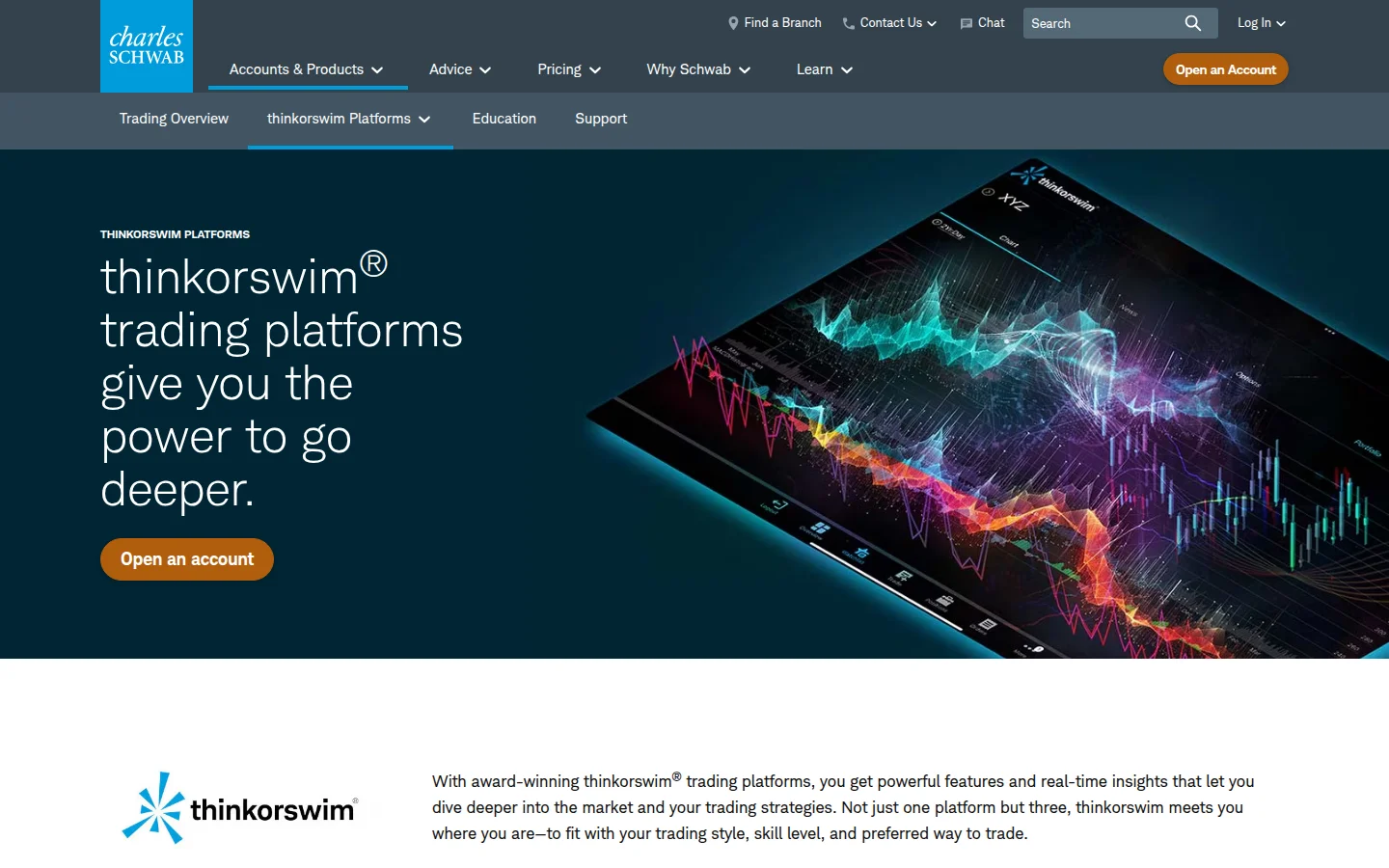
ThinkorSwim is not a single application -- it ships as three distinct versions, each designed for different contexts.
ThinkorSwim Desktop is the full-power experience. This is a downloadable Java-based application that gives you the complete suite: 400+ technical indicators, advanced charting with Renko, Range, Monkey Bars, and Point & Figure chart types, thinkScript editing, multi-leg options order entry, the Analyze tab with probability analysis and risk profiles, and the full scanner suite. If you are a serious options trader or active day trader, this is the version you want. The trade-off is that it is a heavyweight application -- it will consume significant RAM and CPU, and it requires a proper desktop or laptop to run well.
ThinkorSwim Web is the browser-based version. It provides solid charting, watchlists, trade execution, and the core options chain interface, but strips away some of the advanced tools. The most notable limitation: you cannot use custom thinkScript indicators on the web version. If thinkScript is central to your workflow, the web version will frustrate you. However, for monitoring positions, placing standard orders, and doing basic chart analysis, it works fine and requires no installation.
ThinkorSwim Mobile (iOS and Android) brings a streamlined experience to your phone. You get real-time quotes, basic charting, options chains, trade execution, and alerts. The mobile app is surprisingly capable for quick trades and position management, but do not expect to run complex multi-leg options analysis on a phone screen. It synchronizes with the desktop version, so your watchlists and alerts carry over.
All three versions support live trading and paperMoney (paper trading) mode, and you can switch between live and practice without logging out.
Options Analysis -- Where ThinkorSwim Genuinely Excels
This is ThinkorSwim's strongest domain and the primary reason it retains a loyal following despite growing competition. The options analysis tools are deeper than what you will find on almost any other free platform.
The Analyze tab is the centerpiece. The Risk Profile tool lets you visualize the profit/loss curve of any options position -- single legs, spreads, iron condors, butterflies, custom combos -- across price, time, and implied volatility changes. You can project how your position looks at different dates before expiration and at different IV levels. This is genuinely useful for understanding the risk of complex multi-leg trades before committing capital.
The Probability Analysis tools show the probability of an option expiring in-the-money, touching a strike price, or achieving a specific profit target, all based on the current implied volatility and statistical models. These probability curves are built into the options chain view and the Analyze tab.
Greeks (Delta, Gamma, Theta, Vega, Rho) are displayed throughout the platform -- in options chains, in the Analyze tab, and in position views. You can sort and filter by any Greek, which is essential for managing complex portfolios.
The Strategy Roller automates rolling covered call positions between expiration dates based on rules you set. The Spread Book shows anonymized order flow from ThinkorSwim users, giving you a sense of what spreads other traders are putting on.
For options traders specifically, ThinkorSwim is a better tool than TradingView and arguably better than TradeStation. The depth of the options-specific analysis -- especially the probability modeling and multi-dimensional risk profiles -- sets it apart.
thinkScript -- Custom Everything
thinkScript is ThinkorSwim's proprietary scripting language, and it is one of the platform's most underappreciated features. With thinkScript, you can build custom technical indicators, trading strategies for backtesting, custom watchlist columns, scanner filters, and conditional alerts.
The language is purpose-built for trading analysis. It is simpler than Python or C++ but powerful enough to implement complex logic. You can reference any of the 300+ built-in studies within your own scripts, combine multiple indicators into single overlays, and create strategies that plot simulated buy/sell signals on historical charts for backtesting.
There is a strong community around thinkScript. Sites like useThinkScript.com host thousands of free custom indicators and strategies. While the ecosystem is not as massive as TradingView's Pine Script community (200,000+ published scripts), the thinkScript community is active and the quality of shared scripts tends to be high because the user base skews more experienced.
One important limitation: thinkScript runs only on the desktop version. The web and mobile versions do not support custom indicators. If you build your workflow around custom thinkScript studies, you are locked into the desktop application.
Scanners and Screening
ThinkorSwim includes three dedicated scanners:
- Stock Hacker scans the market for stocks matching your criteria -- price, volume, technical indicator values, fundamental metrics. You can build complex multi-filter scans and save them for daily use.
- Option Hacker does the same for options contracts, filtering by Greeks, implied volatility, probability of expiring ITM/OTM, days to expiration, open interest, and more.
- Spread Hacker searches for option spreads (verticals, calendars, diagonals) matching your risk/reward parameters.
All three scanners integrate with thinkScript, meaning you can use custom studies as scan criteria. This is powerful -- you can scan the entire market for stocks triggering your proprietary indicator conditions.
Charts and Technical Analysis
The charting package is comprehensive. You get 400+ built-in technical studies, including every standard indicator (RSI, MACD, Bollinger Bands, VWAP, moving averages) plus specialized tools like Ichimoku clouds, Market Profile, and Volume Profile. Chart types include candlestick, OHLC, line, area, Heikin Ashi, Renko, Range Bars, Monkey Bars, Point & Figure, and Tick charts.
Time intervals range from tick-level to monthly, with historical data going back to the 1980s for major stocks. You get eight Fibonacci drawing tools, up to 20 simultaneous drawings per chart, and the ability to detach charts to fill an entire monitor.
The charting is excellent, though TradingView's chart interface is more modern and arguably easier to use for traders who primarily want clean visual analysis. ThinkorSwim's charts are more functional than beautiful.
Pricing and Commissions
This is straightforward and genuinely competitive:
- Platform access: Free (no fees, no minimums, no data subscriptions)
- Stocks and ETFs: $0 commission
- Options: $0.65 per contract (no base commission)
- Futures: $2.25 per contract plus exchange fees
- Forex: No commission (cost built into spread)
- Mutual funds and bonds: Must be traded on the regular Schwab site, not through ThinkorSwim
The $0.65 per-contract options fee is standard across most major brokers. It is not the cheapest (Tastytrade charges $1 per contract with a $10 max per leg), but it is competitive.
paperMoney -- Practice Without Risk
ThinkorSwim's paperMoney feature gives you a simulated trading account with virtual funds and live market data. You can trade stocks, options, futures, and forex in paper mode using the exact same interface, tools, and data as live trading. This is available on desktop, web, and mobile.
For new traders or anyone testing a new strategy, paperMoney is invaluable. Unlike some platforms where paper trading feels like an afterthought, ThinkorSwim's implementation uses real-time data and realistic fill simulation. The one caveat: paper fills tend to be more generous than real fills, so do not assume your live results will perfectly mirror paper performance.
Who Should Use ThinkorSwim
ThinkorSwim is best for options traders who want deep analysis tools without paying platform fees. If you regularly trade multi-leg options strategies and need probability analysis, risk profiles, and Greeks visualization, ThinkorSwim is hard to beat at any price -- let alone free.
It is also excellent for active stock traders who want a full-featured desktop platform with powerful scanners, custom scripting, and direct trade execution. Day traders who run complex scans and use custom indicators will find a lot to work with.
It is less ideal for beginners who just want simple charting and basic stock trading. The learning curve is real, and simpler platforms like TradingView or Webull will get you started faster. It is also not the right choice if you primarily trade international markets -- ThinkorSwim is heavily US-focused.
ThinkorSwim vs. TradingView
TradingView wins on: user interface, cross-device experience, community size, social features, international market coverage, and ease of getting started. ThinkorSwim wins on: options analysis depth, scanner power, integrated brokerage execution, thinkScript flexibility for advanced users, and price (ThinkorSwim is entirely free; TradingView's useful paid plans start at $12.95/month). If your primary focus is options trading, ThinkorSwim is the better tool. If you want the best all-around charting experience, TradingView is hard to argue against.
ThinkorSwim vs. TradeStation
TradeStation is the closest direct competitor. Both are brokerage-integrated platforms with scripting languages (thinkScript vs. EasyLanguage), both offer commission-free stocks and competitive options pricing, and both target active traders. ThinkorSwim has the edge in options analysis tools. TradeStation has the edge in automated trading (EasyLanguage strategies can be fully automated, while thinkScript strategies are primarily for backtesting). TradeStation also has a cleaner, more modern interface. For manual options traders, ThinkorSwim wins. For systematic or automated traders, TradeStation is worth a closer look.
The Bottom Line
ThinkorSwim remains one of the most feature-dense trading platforms available, and the fact that it costs nothing to use makes it an easy recommendation for options-focused and advanced retail traders. The desktop application delivers institutional-grade analysis tools, thinkScript provides genuine customization power, and the scanner suite is among the best available.
The caveats are real: the desktop app is heavy and complex, the post-Schwab transition has introduced some reliability concerns, and the learning curve will frustrate casual traders. But if you are willing to invest the time to learn it, ThinkorSwim provides capabilities that other platforms charge significant monthly fees for.
Editorial Assessment
What We Checked
- • Pricing reviewed across 1 listed plan: Free: Free.
- • Feature fit checked against 10 supported capability flags, including Backtesting, Paper Trading, Price Alerts, Mobile App.
- • Best-use recommendation checked against the stated audience: options traders, advanced retail traders, day traders needing scanners, traders wanting free pro-grade tools, multi-leg options strategy traders.
- • Tradeoffs reviewed from the published cons list so the page does not rank tools only by headline rating.
Before You Pay
- • Use the free tier or trial to confirm the workflow before upgrading.
- • Check whether your broker is supported before assuming imports will work.
- • Do not choose this if API access is central to your workflow.
- • Test mobile usability if you review trades or alerts away from desk.
Our rating favors tools that solve a specific trading workflow reliably. ThinkorSwim is strongest for options traders, advanced retail traders, day traders needing scanners, traders wanting free pro-grade tools, and multi-leg options strategy traders. It is weaker if you need AI Analysis, API Access, Social Features, Automated Trading.
ThinkorSwim Screenshots
ThinkorSwim Pricing
Free
- ✓ Full charting suite with 400+ technical indicators
- ✓ thinkScript custom studies, strategies, and scans
- ✓ Options analysis with probability and risk profiles
- ✓ Paper trading (paperMoney) with live data
- ✓ Real-time Level II quotes and time & sales
- ✓ Stock Hacker, Option Hacker, and Spread Hacker scanners
- ✓ Desktop, web, and mobile access
- ✓ Requires free Schwab brokerage account (no minimum deposit)
Features
Pros & Cons
Pros
- + Entirely free with Schwab account -- no platform fees, no data fees, no minimums
- + Deepest options analysis tools of any free platform (probability analysis, risk profiles, Greeks visualization)
- + thinkScript scripting language for custom indicators, strategies, scans, and alerts
- + Three powerful scanners: Stock Hacker, Option Hacker, and Spread Hacker
- + 400+ built-in technical studies with historical data back to the 1980s
- + Fully integrated paperMoney for risk-free practice with live market data
Cons
- - Desktop app is a heavy Java application -- expect significant RAM and CPU usage
- - Steep learning curve that will overwhelm beginners and casual traders
- - Post-Schwab acquisition reliability complaints -- some users report worse fills and periodic platform issues
- - thinkScript custom indicators only work on desktop, not web or mobile versions
- - Mutual funds and bonds must be traded on the regular Schwab site, not through ThinkorSwim
Rating Breakdown
Overall Rating
Key Takeaways
- ✓ Entirely free with Schwab account -- no platform fees, no data fees, no minimums
- ✓ Deepest options analysis tools of any free platform (probability analysis, risk profiles, Greeks visualization)
- ✓ thinkScript scripting language for custom indicators, strategies, scans, and alerts
- ✓ Three powerful scanners: Stock Hacker, Option Hacker, and Spread Hacker
- ✓ 400+ built-in technical studies with historical data back to the 1980s
- ✓ Fully integrated paperMoney for risk-free practice with live market data
- ★ Rated 4.7/5 — best for options traders, advanced retail traders, day traders needing scanners, traders wanting free pro-grade tools, multi-leg options strategy traders
- $ Free tier available
Summary
Professional-grade charting and trading platform by Charles Schwab with advanced options analysis and thinkScript. ThinkorSwim offers a free tier. Best suited for options traders, advanced retail traders, day traders needing scanners, traders wanting free pro-grade tools, and multi-leg options strategy traders.
ThinkorSwim Guides
Compare ThinkorSwim
View 5 more ThinkorSwim comparisons
ThinkorSwim Rankings
Related Tools
TradingView
The world's most popular charting platform with 100M+ users, Pine Script, social features, and real-time data across all markets.
TradeStation
Advanced trading platform with powerful EasyLanguage strategy development, backtesting, and automated execution.
TC2000
Stock scanning and charting platform by Worden Brothers with EasyScan plain-English stock screening, integrated TC2000 Brokerage for seamless execution, and 30+ years of development serving active stock and options traders.