What NinjaTrader Actually Is
NinjaTrader is a futures-focused trading platform and brokerage that has been the default choice for serious US futures day traders since 2003. It combines professional-grade charting, order flow analysis, and automated strategy execution into a single platform that also functions as an NFA-registered Futures Commission Merchant. In March 2025, crypto exchange Kraken acquired NinjaTrader for $1.5 billion, the largest deal ever bridging crypto and traditional finance. Despite the acquisition, NinjaTrader operates as an independent platform and continues to serve its core futures trading audience.
The platform serves over 2 million registered accounts and has built an ecosystem of 600+ third-party developers and 1,000+ add-on tools. It is one of the few platforms where you can chart, analyze order flow, develop automated strategies, backtest them with tick-level accuracy, and execute live trades through the same brokerage account.
Platform Options: Desktop, Web, and Mobile
NinjaTrader offers three platform access points, though they are not equal in capability.
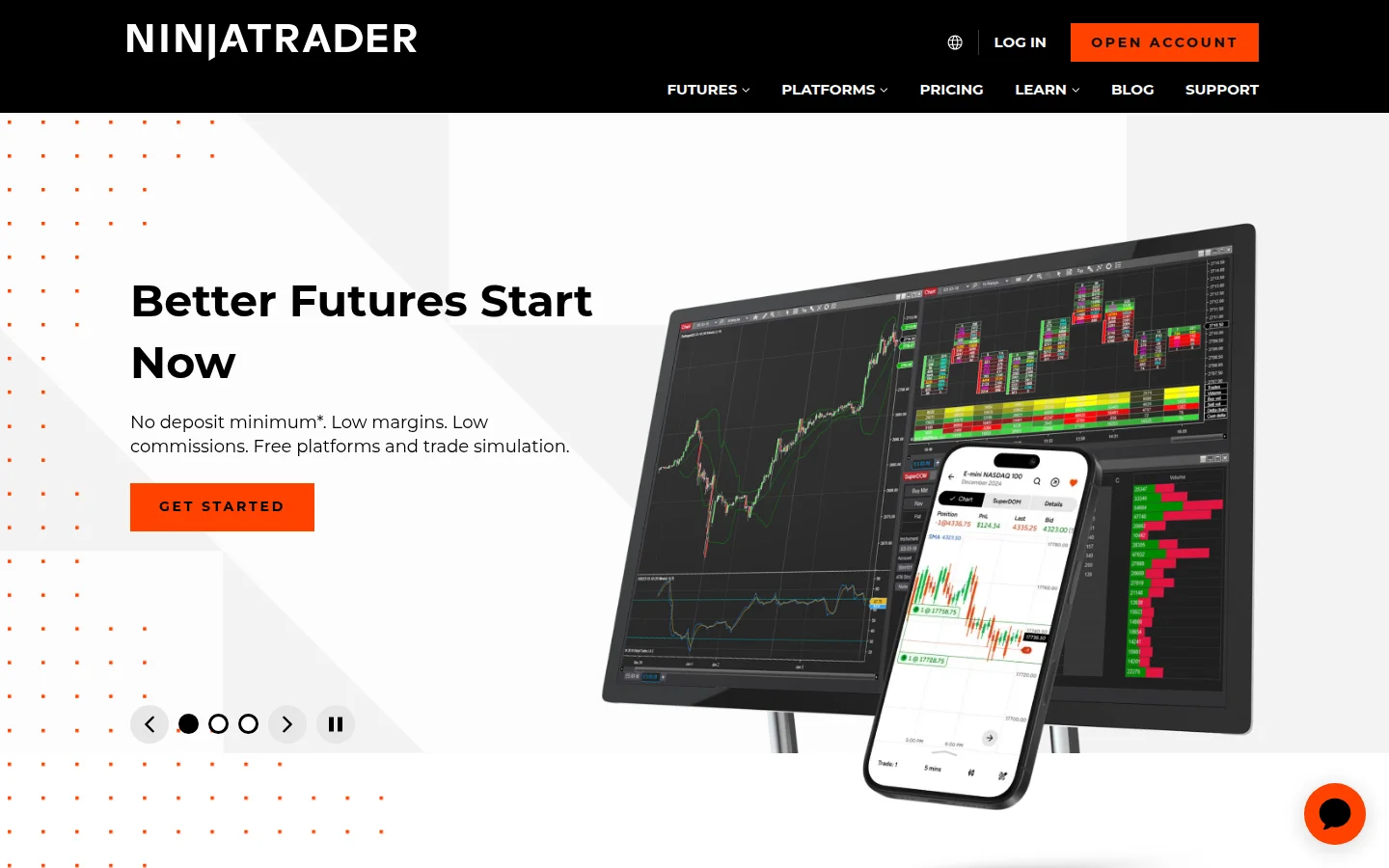
NinjaTrader Desktop (NinjaTrader 8) is the flagship product and where the real power lives. It is a Windows-native application providing advanced charting with 100+ built-in indicators, 10+ chart types, customizable multi-monitor workspaces, the SuperDOM price ladder, Market Replay, Strategy Builder, NinjaScript development, and automated trading. The downside is that it runs exclusively on Windows. Mac users need virtualization software like Parallels, which adds friction.
NinjaTrader Web came via the Tradovate acquisition and provides browser-based trading with charting, real-time quotes, and a modular drag-and-drop interface. You can place orders and manage positions, but the web platform lacks advanced order flow tools, NinjaScript development, and automated trading.
NinjaTrader Mobile (iOS/Android) offers real-time quotes, charting with 100+ indicators, SuperDOM, and a Risk Manager for daily/weekly P&L limits. Useful for monitoring positions on the go, but not a desktop replacement.
Charting and Analysis Tools
Charting is where NinjaTrader has historically earned its reputation. The platform includes over 100 built-in technical indicators (all with open-source code you can inspect and modify), 30+ drawing tools, and support for 10+ chart types including candlestick, bar, line, Heikin Ashi, Renko, and Point & Figure.
The Market Analyzer is a real-time multi-instrument scanner that monitors dozens of futures contracts simultaneously, filtering by custom indicator conditions, price thresholds, or volume spikes.
Market Replay replays historical trading sessions tick-by-tick, letting you practice entries and exits against real market microstructure data rather than just price bars. NinjaTrader also integrates with TradingView charts ($9.99/month add-on) if you prefer TradingView's charting engine alongside NinjaTrader's execution tools.
Order Flow: SuperDOM and Order Flow+
Order flow analysis is arguably NinjaTrader's strongest competitive advantage over platforms like TradingView, TradeStation, or MetaTrader.
The SuperDOM (Super Depth of Market) is a dynamic price ladder that refreshes every 25 milliseconds. It shows real-time bid/ask depth at every price level and enables single-click order entry, cancellation, and modification. For scalpers and short-term traders, the SuperDOM is the primary trading interface rather than charts. You can customize it with embedded indicators, delta calculations, and volume-at-price visualizations.
Order Flow+ is a premium add-on ($59/month, or included free with the Lifetime plan) that adds volumetric footprint bars showing buy versus sell volume at each price level, volume profile analysis, and cumulative delta visualization. These tools help traders identify institutional order flow, absorption, and exhaustion patterns that are invisible on standard candlestick charts. If you trade based on order flow rather than technical indicators, NinjaTrader and Sierra Chart are the two platforms you should be comparing.
Automated Trading: NinjaScript and Strategy Builder
NinjaTrader's automation capabilities are built on NinjaScript, a C#-based development framework that gives you access to the full .NET library ecosystem. This is simultaneously one of NinjaTrader's greatest strengths and its steepest barrier to entry.
With NinjaScript, you can build custom indicators, automated strategies, and drawing tools with professional-grade programming. All 100+ built-in indicators ship with readable source code, so you can study how they work before building your own. The Strategy Analyzer performs tick-level backtesting (not just bar-level, which matters for realistic fills on limit orders), walk-forward optimization, and multi-objective parameter analysis.
For traders who cannot code, the Strategy Builder provides a no-code alternative using dropdown menus to select indicators, conditions, and actions. It auto-generates the underlying NinjaScript code, which you can then inspect and modify. It works for simple strategies (like moving average crossovers or RSI threshold entries), but complex multi-condition systems will still require manual coding.
One important caveat: NinjaScript strategies run locally on your computer, not on a server. This means your PC needs to be running for automated strategies to execute. If your internet drops or your computer crashes, your strategy stops. Platforms like ProRealTime and some broker APIs offer server-side execution, which is more reliable for fully automated systems.
What You Can Trade
NinjaTrader is a futures-first platform. Through its built-in brokerage, you can trade futures and options on futures across CME Group exchanges (CME, CBOT, NYMEX, COMEX), ICE US, and Eurex. This covers equity index futures (E-mini S&P 500, Nasdaq, Dow, Russell 2000 and their micro versions), energy (crude oil, natural gas), metals (gold, silver), agricultural commodities, interest rates (Treasury bonds), forex futures, and crypto futures (Bitcoin, Ethereum).
NinjaTrader also offers nano contracts on select products, even smaller than micros, for beginners trading with minimal capital.
What NinjaTrader does not offer natively is stocks, ETFs, stock options, or spot forex. Trading equities through NinjaTrader requires connecting to a partner broker like Interactive Brokers, adding complexity.
Commission and Pricing Structure
NinjaTrader's pricing model has three tiers, and the all-in cost depends heavily on which plan you choose.
Free Plan: No platform fee. Commissions are $1.29/side for standard contracts, $0.39/side for micros, and $0.20/side for nanos. You get full access to charting, simulated trading, and Market Replay. Automated trading and some advanced features require a paid plan.
Monthly Plan ($99/month): Commissions drop to $0.99/side standard, $0.29/side micro. All platform features unlocked including automated trading and Strategy Analyzer.
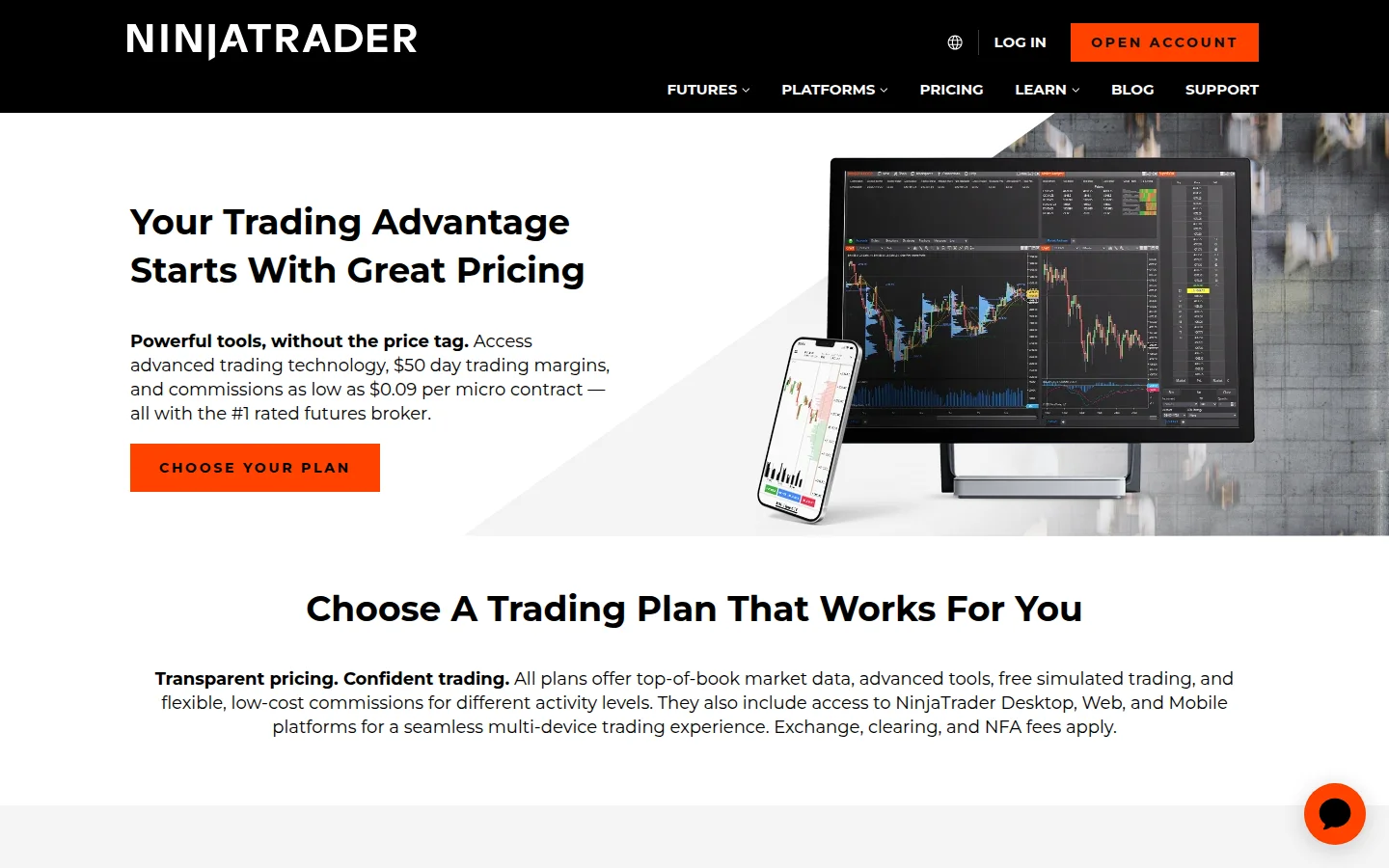
Lifetime Plan ($1,499 one-time): The lowest commissions at $0.59/side standard and $0.09/side micro. Also includes Order Flow+ ($59/month value) at no additional charge. This plan pays for itself after roughly 15,000-25,000 micro round-trips depending on the Free plan comparison.
On top of NinjaTrader's commissions, expect exchange fees, clearing fees, and NFA fees totaling approximately $0.19-$0.25 per contract per side. So a Lifetime plan micro contract actually costs around $0.28-$0.34 per side all-in, not just $0.09.
Market data for CME products is included free for funded accounts on all plans. Eurex data costs approximately $23/month plus exchange fees. There is an inactivity fee of $25-$35/month if you do not place at least one trade per month.
Margin requirements are competitive: $50 intraday for micro contracts and $500 for popular E-mini contracts, though margins increase up to 4x before major economic announcements.
Education and Community
NinjaTrader offers daily livestreams ("Trade the Open," "Trade the Close") with live setups and trade management, 400+ educational articles, video tutorials, and the NinjaTrader Arena simulated trading competition with cash prizes. Support is 24/5 via phone, email, and chat, plus a 24-hour emergency trade desk.
The Kraken Acquisition: What It Means
Kraken's $1.5 billion acquisition in 2025 is strategically significant. Kraken gains NinjaTrader's CFTC-registered FCM license, giving it regulated access to US crypto futures and derivatives markets. NinjaTrader gains access to Kraken's international licenses (UK, EU, Australia) for potential global expansion.
For existing NinjaTrader users, the immediate impact has been limited. NinjaTrader operates independently, and the core futures trading experience has not changed. European brokerage access launched in January 2026 through Kraken's CySEC-regulated entity, starting with the Netherlands and Germany.
The longer-term roadmap reportedly includes cross-platform margin sharing, unified account management, and eventual multi-asset interoperability between NinjaTrader's futures and Kraken's crypto spot markets. Whether this integration adds value or creates distraction remains to be seen.
Regulatory Note
In November 2024, NinjaTrader was fined $250,000 by the NFA for deficiencies in its anti-money laundering program and supervision procedures. No actual money laundering was alleged, but AML frameworks and oversight were found inadequate. NinjaTrader settled without admitting wrongdoing. Worth noting for transparency, though procedural compliance fines are common in the futures industry.
Who Should Use NinjaTrader
NinjaTrader is the right platform if you are a futures trader who wants institutional-grade order flow tools, the ability to automate strategies in a real programming language, and competitive commissions, especially at volume. It is particularly strong for scalpers who live on the SuperDOM, algo developers comfortable with C#, and order flow traders who need volumetric analysis.
It is not the right platform if you primarily trade stocks or options, if you are a beginner looking for simplicity, if you use a Mac without wanting virtualization hassle, or if you need server-side strategy execution.
At the Lifetime plan price point ($1,499), NinjaTrader offers some of the lowest all-in futures commissions available to retail traders. But that upfront cost only makes sense if you trade futures actively enough to recoup it. For occasional futures traders, the Free plan works fine for charting and simulation.