What MetaTrader 5 Actually Is
MetaTrader 5 is the multi-asset trading platform built by MetaQuotes Software, released in 2010 as the successor to MetaTrader 4. That word "successor" needs context, because MT5 is not an upgrade to MT4 — it is a fundamentally different platform built from scratch with a different programming language, different architecture, and a different purpose. MT4 was designed for forex. MT5 was designed for everything: forex, stocks, futures, options, commodities, and crypto, all through a single interface.
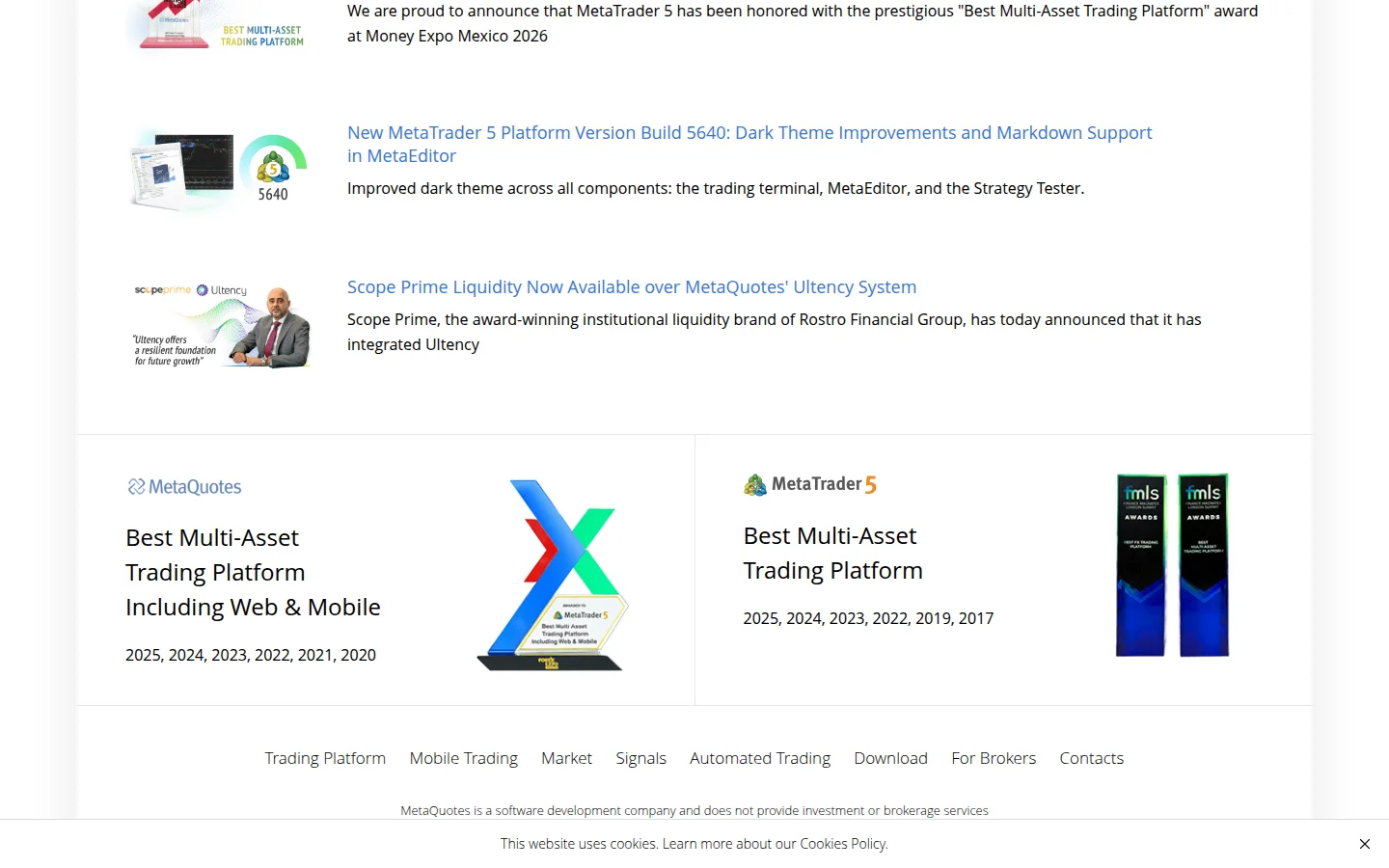
The platform is free for traders. MetaQuotes makes its money by licensing MT5 to brokers, who then offer it to their clients. This business model means you never pay MetaQuotes directly — your broker provides MT5 access as part of your trading account. As of 2026, hundreds of brokers worldwide offer MT5, and trading volume on the platform has surpassed MT4, marking a decisive shift in the industry. MT5 has won "Best Multi-Asset Trading Platform" at the Finance Magnates London Summit every year from 2017 to 2025.
Company Background — MetaQuotes Software
MetaQuotes Software was founded in 2000 in Russia, initially launching FX Charts, an online charting tool for forex trading. The company released MetaTrader 3 in 2003, MetaTrader 4 in 2005, and MetaTrader 5 in 2010. MetaQuotes is now headquartered in Limassol, Cyprus, with additional offices in Singapore, Australia, and other locations. The company is privately held and led by CEO Renat Fatkhullin, who co-founded the firm and is widely credited as the architect behind the MetaTrader platform family.
MetaQuotes operates as a pure software company — they do not provide brokerage services, manage client funds, or execute trades. Their entire revenue comes from licensing the platform to brokers and financial institutions. This separation matters because it means MetaQuotes has no conflict of interest with traders. They build the tool; your broker provides the market access.
MT5 vs MT4 — Why MT5 Exists
If you are wondering why MetaQuotes built an entirely new platform instead of just updating MT4, the answer is regulatory and structural. MT4 was built for over-the-counter forex trading with a relatively simple order model. As brokers expanded into exchange-traded instruments (stocks, futures, options), MT4's architecture could not handle exchange-level features like Depth of Market, multiple order fill policies, or FIFO compliance required by US regulations.
MT5 was built to solve those problems. The key differences between the two platforms:
- Timeframes: MT5 offers 21 timeframes (from 1-minute to monthly, plus unconventional ones like 2-minute, 3-minute, 6-hour, and 8-hour). MT4 has 9.
- Order types: MT5 has 6 pending order types (Buy/Sell Limit, Buy/Sell Stop, Buy Stop Limit, Sell Stop Limit). MT4 has 4.
- Indicators: MT5 ships with 38 built-in technical indicators and 44 analytical objects (82 total). MT4 has 30 indicators and 31 objects.
- Strategy Tester: MT5's tester supports multi-currency and multi-timeframe backtesting with real tick data. MT4's tester is single-currency only.
- Programming language: MT5 uses MQL5, an object-oriented language. MT4 uses MQL4, a procedural language. Code is not cross-compatible.
- Position management: MT5 supports both netting (one position per symbol, exchange-style) and hedging (multiple positions per symbol, forex-style). MT4 only supports hedging.
- Economic calendar: Built into MT5. Not available in MT4.
- Depth of Market: Native in MT5 with tick charts and Time & Sales. Not in MT4.
The catch is that MT4's massive installed base and simpler programming language meant many traders and EA developers resisted switching. MT5 adoption was slow for years, but by 2024-2025, trading volume on MT5 overtook MT4, and brokers increasingly push MT5 as their primary platform.
Charting and Technical Analysis
MT5's charting is functional but not beautiful. You can open up to 100 charts simultaneously across 21 timeframes. The 38 built-in indicators cover the standards — moving averages, RSI, MACD, Bollinger Bands, Stochastic, Ichimoku, and various volume indicators. The 44 analytical objects include trendlines, channels, Fibonacci tools (retracement, expansion, fan, arcs), Gann tools, and Elliott Wave markup.
Honest assessment: the charting works, but it looks and feels like software from 2010. If you are coming from TradingView's clean, browser-based interface, MT5's desktop-application aesthetic will feel dated. Chart customization exists but is clunky compared to modern alternatives. Where MT5 wins is in execution speed and the tight integration between charts, order entry, and automated trading — features that matter more to active traders than visual polish.
MQL5 Programming and Expert Advisors
MQL5 is where MetaTrader 5 separates itself from most competitors. MQL5 is a full object-oriented programming language (similar to C++) that lets you build Expert Advisors (automated trading robots), custom indicators, scripts, and libraries. The MetaEditor IDE is included with the platform and provides code editing, debugging, profiling, and direct compilation.
The power here is genuine. You can write an EA that monitors multiple currency pairs, calculates position sizing based on account equity and volatility, places orders with specific stop-loss and take-profit logic, manages trailing stops, and logs every action — all running autonomously 24/5 on your broker's server or a VPS. Professional trading firms and prop desks use MQL5 EAs in production.
The downside is equally real: MQL5 has a steep learning curve. If you do not already know programming, you will not pick up MQL5 casually over a weekend. The syntax is C++-like, memory management matters, and debugging automated trading logic requires both programming skill and trading knowledge. MQL4 (MT4's language) was simpler and more forgiving, which is why many retail EA developers were slow to migrate.
The MQL5 Market and Community
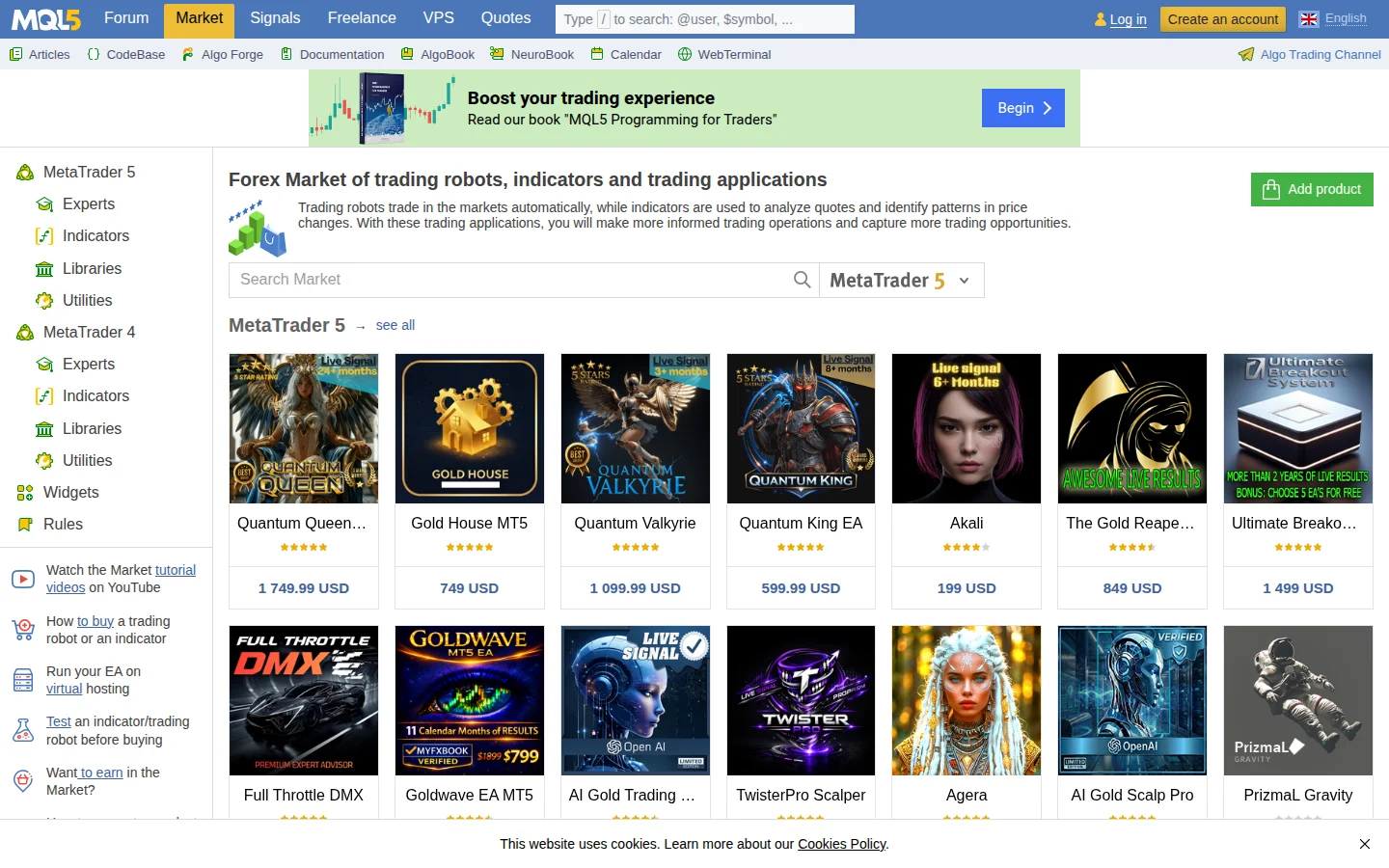
The MQL5 Market is an app store for trading tools — thousands of Expert Advisors, indicators, and utilities ranging from free contributions to commercial EAs at $200-$1,750+. You can test any product in the Strategy Tester before buying. The broader MQL5 community (mql5.com) adds a free code library, a freelance section for hiring custom developers, a trading signals service, and VPS hosting for running EAs 24/7.
Caveat: the marketplace has no shortage of overpromising products. EAs claiming 90%+ win rates are common. Test extensively and be skeptical of extraordinary claims.
Strategy Tester and Backtesting
MT5's Strategy Tester is one of its strongest features. Unlike MT4's single-symbol tester, MT5 supports multi-currency backtesting — your EA can trade multiple instruments simultaneously, essential for portfolio strategies and correlation-based systems.
Three tick-generation modes are available: "Every tick based on real ticks" (actual historical tick data from exchanges), "Every tick" (generated from 1-minute data), and "Open prices only" (fastest, for bar-open-only strategies). Forward testing and genetic optimization across thousands of parameter combinations are also supported. The multi-threaded architecture distributes optimization runs across all CPU cores, cutting testing time from days to hours compared to MT4.
Key limitation: backtest quality depends entirely on your broker's historical data. Some brokers provide excellent tick-level data; others provide incomplete data that makes results unreliable.
Depth of Market, Execution, and Platform Availability
MT5 includes a native Depth of Market (DOM) window showing real-time bid/ask volumes at multiple price levels, with one-click trading and Time & Sales data. The platform supports four execution modes (Instant, Request, Market, Exchange) and partial order fills, meaning large orders can execute in portions as liquidity becomes available.
Position management supports both netting and hedging modes, but which one you get depends on your broker. Check before opening an account. The built-in economic calendar streams macroeconomic events directly into the platform, filterable by country, currency, and importance — eliminating the need for external calendar sites.
MT5 runs on Windows (native), macOS and Linux (via Wine-based installers from MetaQuotes), iOS, Android, and a web terminal. Mobile apps are solid for monitoring and basic trading but cannot run EAs or the Strategy Tester. The Mac/Linux Wine approach works for most users but is not truly native — expect occasional rendering glitches. Power users on Mac should consider a VPS or Windows VM.
Who MetaTrader 5 Is Best For
MT5 is the right platform if you want to automate your trading with Expert Advisors and have the programming ability (or budget to hire a developer) to build them. It is also the right choice if your broker requires it, if you trade exchange instruments alongside forex, or if you need multi-currency backtesting capabilities.
It is probably not the best starting point if you are a beginner who just wants clean charts (TradingView is better), if you trade exclusively on US stock exchanges (your broker's native platform or thinkorswim may be more practical), or if you want a modern, polished user experience.
Honest Pros and Cons Summary
MetaTrader 5 is the industry-standard platform for a reason: the automated trading capabilities, backtesting engine, and broker availability are unmatched in the retail trading space. The price (free) makes it an obvious choice for anyone whose broker offers it. But the dated interface, Wine-based Mac/Linux support, and steep MQL5 learning curve are real drawbacks that modern competitors like TradingView and cTrader handle better. If automated trading is your priority, MT5 remains the clear leader. If charting aesthetics and user experience matter more, look elsewhere for your primary analysis tool and use MT5 purely for execution and automation.